Why the Pre-Migration Town Hall Is Your Best Insurance Policy
The pre-migration town hall isn't a formality. It's a dual-purpose meeting that prepares users for what's coming, catches blockers that never surfaced during discovery, and protects the business from revenue-impacting failures on day one. Here's the playbook.
After years of presenting in town hall meetings across cross-tenant migrations of all sizes, I've come to realize that the town hall is one of the most important components of a successful migration. That single meeting does two things that nothing else in your project plan can replace: it prepares users so that the support team is not overwhelmed on day one, and it surfaces blockers that your POCs never knew existed. On paper, the town hall reduces support requests and surfaces blockers before cutover. In practice, it also makes people more comfortable with the process and gives them the opportunity to ask questions. It keeps them from feeling that this is something happening to them and they have no say in the process.
The Two Jobs Every Town Hall Must Do
The primary job of a town hall is preparation. You're telling users what to expect, how to prepare, when the outage window is, and where to go for help. I'll walk through exactly what that looks like in a moment. But the job most migration engineers underestimate is the second one: the town hall is your last opportunity to catch issues that will derail your cutover.
During discovery, we meet with points of contact (POCs), usually someone from BU leadership and a technical lead, that help us gather information and make decisions about users, apps, and other things critical to the migration. These are really capable people, and they have visibility into their business. But as businesses get bigger, they are not always aware of all the software and services being used by other teams. There is often a disconnect between knowing how many people they have and what departments they work for, and knowing what tools those teams use and how they use them.
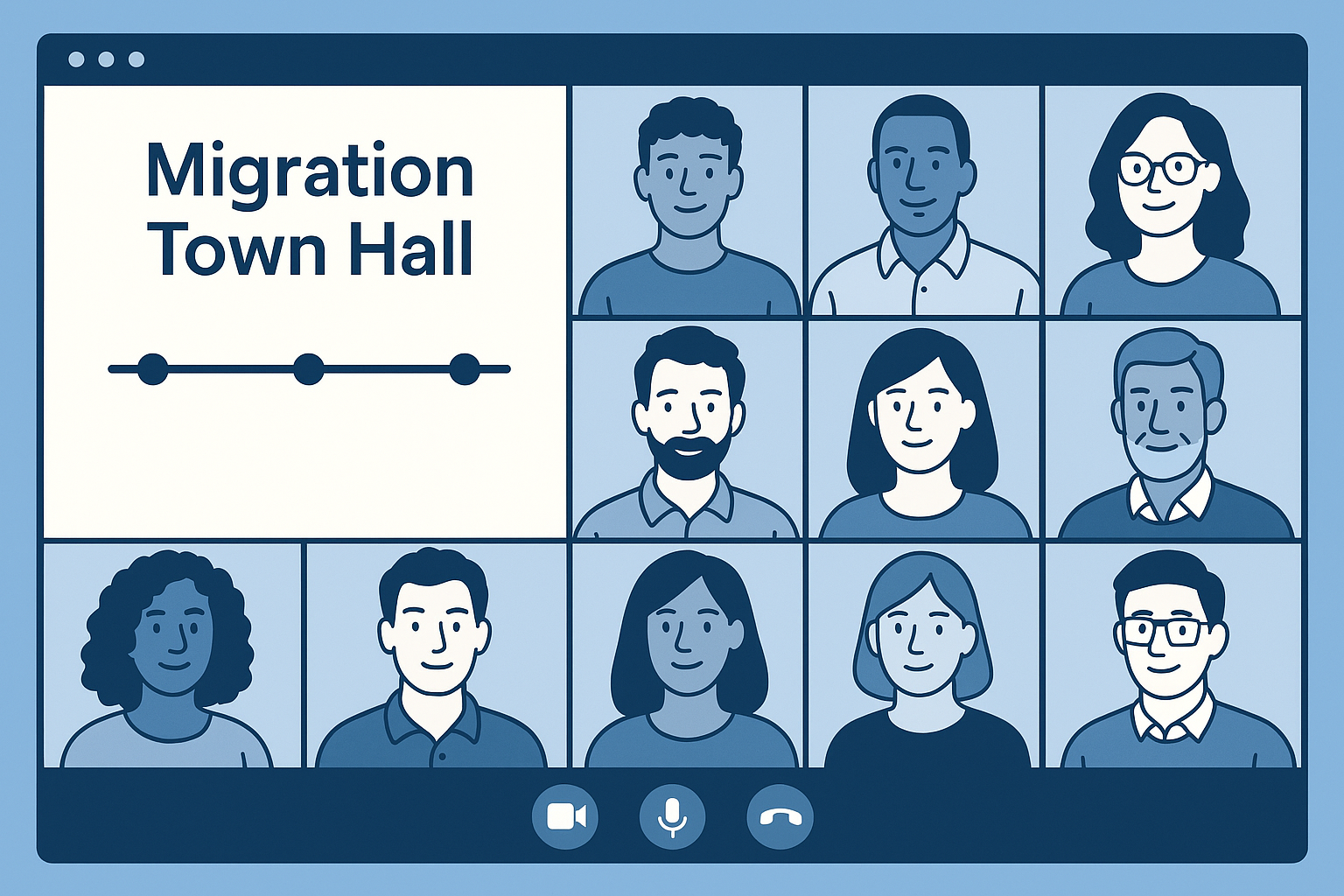
The town hall puts every user in the same "virtual" room at the same time. That's when the hand goes up from someone you've never spoken to, and they ask, "What happens to our Dropbox links?" or "Will our Zendesk integration still work?" Those questions don't come up in discovery because the people who know about those workflows aren't in the discovery meetings. Scheduling the town hall one week before migration gives you enough runway to investigate and remediate before cutover night.
What Your POCs Don't Know They Don't Know
I want to be specific about the kinds of issues that surface during town halls, because they follow patterns. All of these examples are now mitigated by asking more questions in discovery, but even then the POCs don't know what they don't know.
The patterns we see most often are SSO dependencies like Zendesk that were not fully considered during discovery (which would cause support not to receive tickets), workflows that live outside the Microsoft ecosystem (the demo team sharing documents with customers from Dropbox, or sales running a Google Script we were not made aware of), and custom mail flow setups with aliases and forwards on support mailboxes that the POCs never surfaced. Even when you're using a structured approach like the one I outlined in The Modular Discovery Framework, discovery focused on mailboxes, OneDrive, SharePoint, and Teams because that's the scope of the migration. But users don't think in terms of your migration scope; they think in terms of their daily work. In a SaaS environment based on subscriptions or a brick-and-mortar business that depends on repeat business, any of these issues directly affects revenue.
The common thread is that the people closest to the workflow are the only ones who can tell you about it. The town hall gets every function in the room, and that's what makes it irreplaceable.
Getting Buy-In Before You Schedule
The town hall only works if people actually show up and engage. That starts with buy-in from two groups: your client sponsor and the business unit (BU) POCs.
The client sponsor is usually the easiest to get on board. They're the one driving the migration, they understand what's at stake, and they have the authority to escalate if a BU manager doesn't see the value in pulling their team into a one-hour meeting. That top-down signal matters. When the client communicates that this migration is a priority and that the town hall is expected, POCs take it seriously. Without it, the town hall competes with every other meeting on everyone's calendar, and attendance suffers.
The good news is that most POCs understand the value intuitively once you frame it correctly. They want their teams up and running as soon as possible, and they want to avoid anything that impacts revenue or productivity. The pitch is straightforward: migrations are inherently disruptive, and this town hall is how we make sure your employees are all on the same page and that the business impact is as small as possible. The town hall is one piece of a larger documentation architecture that supports the entire migration, and it's the piece that faces the end users directly. That framing works because it aligns the town hall with what the POC already cares about. You're not asking them to do you a favor; you're offering them a tool to protect their team.
POC buy-in also drives engagement during the meeting itself. When the BU POCs, which usually includes at least one leader, are visibly involved during the town hall, asking questions and paying attention, it signals to the rest of the users that this matters. We've seen this dynamic play out repeatedly: when leaders participate actively, users ask more questions. When users ask more questions, more potential issues get surfaced. And when more issues get surfaced before cutover, post-migration support goes smoother. It's a direct chain of cause and effect.
The Four-Section Playbook
This format has been iterated over years of town hall meetings to be as impactful as possible. Every town hall I run follows the same structure, whether it's 10 users or 100. The meeting is one hour, virtual, and recorded for anyone who can't attend. If there's a project manager (PM) on the project, they kick things off. With smaller groups, we let questions flow naturally throughout the meeting. With larger groups, we're more deliberate about holding questions for the Q&A section to keep things on track. The presenters stay the same regardless of size, except in Section 3 where the endpoint expert might shift emphasis based on which device types are prominent in that particular BU.
Section 1: Migration Logistics
This is the core of the preparation work. We walk through a slide deck that covers what users need to know before, during, and after the migration. The key topics are:
- How users will log in to their accounts after the migration, including the concept of their identity and primary SMTP address
- What is and is not migrated (for example, recurring meetings need to be recreated manually)
- The migration date and time, including the length of the outage or maintenance window
- What to do the day after migration: how to reach hypercare support, how to set up Outlook on mobile devices, and any other immediate post-migration tasks
That last point about the migration date might seem redundant since the PM typically sends emails with this information. But users don't read those emails. Saying it out loud, in a meeting, with their manager present, is what makes it stick.
Section 2: Support Resources and Training
This section is about making users self-sufficient. We walk through the migration support document and then show them how to access Microsoft's training resources, particularly Microsoft 365 Support. One of the short demos we do is using the site live to search for something like "How to create an email signature," then showing the results page so users can see how easy it is to find answers on their own. This is especially important for users migrating from Google Workspace who may not be familiar with the Microsoft ecosystem at all.
Section 3: Endpoint Considerations
This section varies depending on the migration scope, and the endpoint expert on the team usually takes over here. Depending on what's in play, they'll cover:
- Autopilot setup for new devices
- Device resets for hardware being reused
- Mac enrollment if Macs are part of the fleet
- Cloud PC setup for contractors or remote workers
- Confirmation that users with properly configured laptops don't need to do anything
Other migrations may cover recreating Outlook profiles or other endpoint-specific tasks. That last item about doing nothing may sound silly, but if users don't hear it explicitly, some will try to reset a device. For migrations with a hardware refresh, we suggest a staggered setup plan on the morning after the migration so that support isn't overwhelmed by everyone setting up at once.
Section 4: Q&A and Closeout
In most good town halls, questions come throughout the meeting, and we encourage that. But this final section is the dedicated space for anything that didn't come up organically. This is often where the blockers surface: the Zendesk SSO question, the Dropbox workflow, the custom mail flow. After Q&A, we close by repeating the migration date and time one more time and directing users to their POC or the PM for any questions that come up between now and cutover.
Conclusion: Insurance for Both Sides of the Table
The pre-migration town hall isn't a checkbox on your project plan. It's insurance, and it pays out for both sides of the table.
For the migration team, it's how you catch the blockers that never surfaced during discovery. It's the SSO dependency nobody flagged, the Dropbox workflow that lives outside your migration scope, the custom mail flow configuration that would have taken support offline. One hour in a conference room, one week before cutover, gives you the runway to fix those issues instead of discovering them at 2 AM on migration night.
For the business unit, it's how they ensure their team minimizes downtime and avoids the showstoppers that impact revenue after the cutover. Migrations are inherently disruptive, and the town hall is the mechanism that keeps that disruption contained. When users know what to expect, when to expect it, and where to go for help, they don't panic on day one. When leaders engage and model that this matters, the whole organization follows. And when someone in the room raises an issue the POCs never had visibility into, it gets fixed before it becomes a business-down scenario.
As I've written about in Mastering M365 Carve-Outs, the technical execution of a migration is only one piece of the puzzle. The people side, the communication, the preparation, the making-sure-nobody-is-surprised part, is what separates a clean cutover from a fire drill. The town hall is where all of that comes together. Schedule it a week out, follow the playbook, and let the users tell you what your POCs couldn't.
Tags: