Updating the Modular Discovery Framework: The First Question Changed
A five-year-old SaaS firm and a 20-year-old industrial firm require different questions and tools during discovery. The workflow often follows the structure and age of the business.
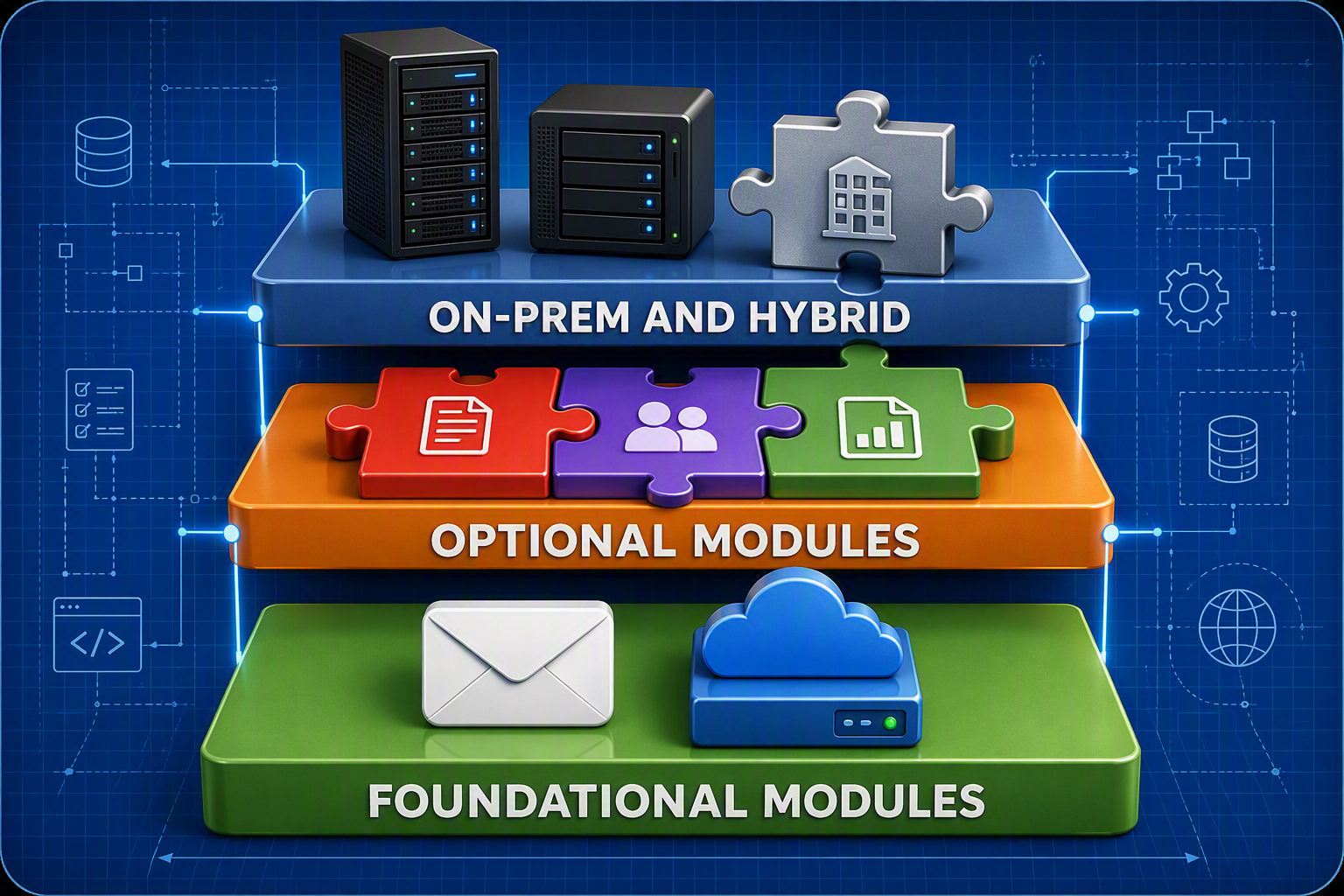
Months ago I wrote the modular discovery framework as an answer to the overwhelming nature of tenant migration projects. I have added to it once since then, with VIP identification as a discovery step. Today I write to update and expand that framework to include questions to be asked when scoping a tenant migration in on-prem and hybrid environments.
The Industry Often Determines What's Moving
In my previous migrations, I was migrating mostly young software companies with little to no on-prem infrastructure. My recent migrations are for traditional brick and mortar companies: roofing, construction, manufacturing, industrial. These new migrations have necessitated a different approach to discovery.
In those previous migrations, I worked with SaaS firms. The teams were truly distributed, with work from home and work from anywhere being the norm. These nationally and sometimes globally distributed teams were heavy users of cloud-only storage like SharePoint and Google Shared Drives. Companies that are geographically distributed but have employees report to regional physical offices, like my more recent industrial and construction-based firms, typically have domain controllers and file servers. The workflow often follows the structure and age of the business. Structure and age tell you what is moving. Culture tells you whether it moves on time.
New Questions for On-Prem and Hybrid Environments
What these differences often mean for the migrations, and hence why the update, is that a five-year-old SaaS firm and a 20-year-old industrial firm require different questions and tools during discovery. For example, in the cases where the SaaS firm did have on-site storage, it was usually a NAS used by a small team that could easily be put in SharePoint. But the same does not hold true for a 20-year-old construction firm with a file server holding project documents that span the life of the firm. That solution will likely involve moving data to a new file server in the cloud, Azure Files, or, space permitting, to SharePoint, and in some rare cases, a bit of all three.
So these are the first questions now:
What must be moved? Mail? SharePoint? File servers?
Where is it going? If the acquirer has Exchange Online, email is easy. Collaboration files are not. A new file server, an existing one, SharePoint, Azure Files, or some combination.
Whether the file server moves at all comes down to three things, and none of them are technical: cost, appetite for changing workflow, and the in-house IT skillset, meaning whether they think they have the technical chops to manage it.
How do we handle apps? Are there on-premises apps, can they move, and where to? Are there compatibility issues? Can they go to Azure or another preferred cloud provider? If the apps are SaaS, are there single sign-on issues, and how do we plan around moving the SSO?
Are users relying on sharing files with each other, or from the account of a former employee? If you do not know, can we talk to a few department heads to be sure? While there are tools and scripts to check for what is shared among users, most are cumbersome. It is best to get an idea of what is being shared so that you can plan the structure that it will be migrated into.
Will users keep their old User Principal Name, or move to the destination UPN and keep their primary SMTP address? This is the most important one.
Settle UPNs and the Primary SMTP First
The client decides how UPNs are handled. Usually it's because they want users to have as little friction as possible when logging in on day one after the migration. I prefer a new UPN because it makes migration easier from a technical standpoint.
Let's say the acquired company is Fabrikam and the acquirer is Contoso. My preferred way of doing things is that the migrated users end up with username@contoso.com for their UPN and username@fabrikam.com for their primary SMTP.
Whichever way it goes, settle it before the domain comes off the source tenant. On an earlier project I hit the case where Microsoft renamed every source UPN to a random alphanumeric string during domain removal and the migration jobs failed. Changing all source users to their onmicrosoft.com address first prevents it.
I have seen it go one of two ways. First, the acquiring company wants everyone to have the same UPN but allows for different primary SMTPs, so that customers of the acquired company are not confused. Second, the acquiring company wants to make things easier on a workforce they deem non-technical, and therefore allows them to keep their current UPN in the destination tenant. There's a third option of erasing the acquired company identity, but I have yet to manage that kind of project, so I stick to the first two.
I prefer the former because there tend to be fewer issues with mobile devices due to cached credentials. While it's a relatively easy fix to either walk people through it during the town hall, or have users only use the Outlook mobile app rather than their phone's native mail app, it becomes a service desk burden when migrating more than 30 users. My goal is to reduce as many Day 1 pain points as possible, and small and "easy" fixes have a way of compounding into a service desk emergency.
Conclusion
As I have grown as a practitioner and started seeing a bigger, more strategic picture, the toolbox has grown with me. Some of the tools have gotten more sophisticated: better scripts, third-party tools I did not use before. But time and time again, communication and engagement with project stakeholders have been the difference between success and disaster.
Tags:

About the author
Sherif Alghali
Sherif Alghali is a Microsoft Certified Trainer (MCT), Azure Solutions Architect Expert, and Microsoft 365 Administrator Expert who writes about M365 tenant migrations, Azure cloud architecture, identity, and IT infrastructure. Read more on the about page or connect on LinkedIn.