Inheriting a Carve-Out Midstream: The Roadmap That Was Missing
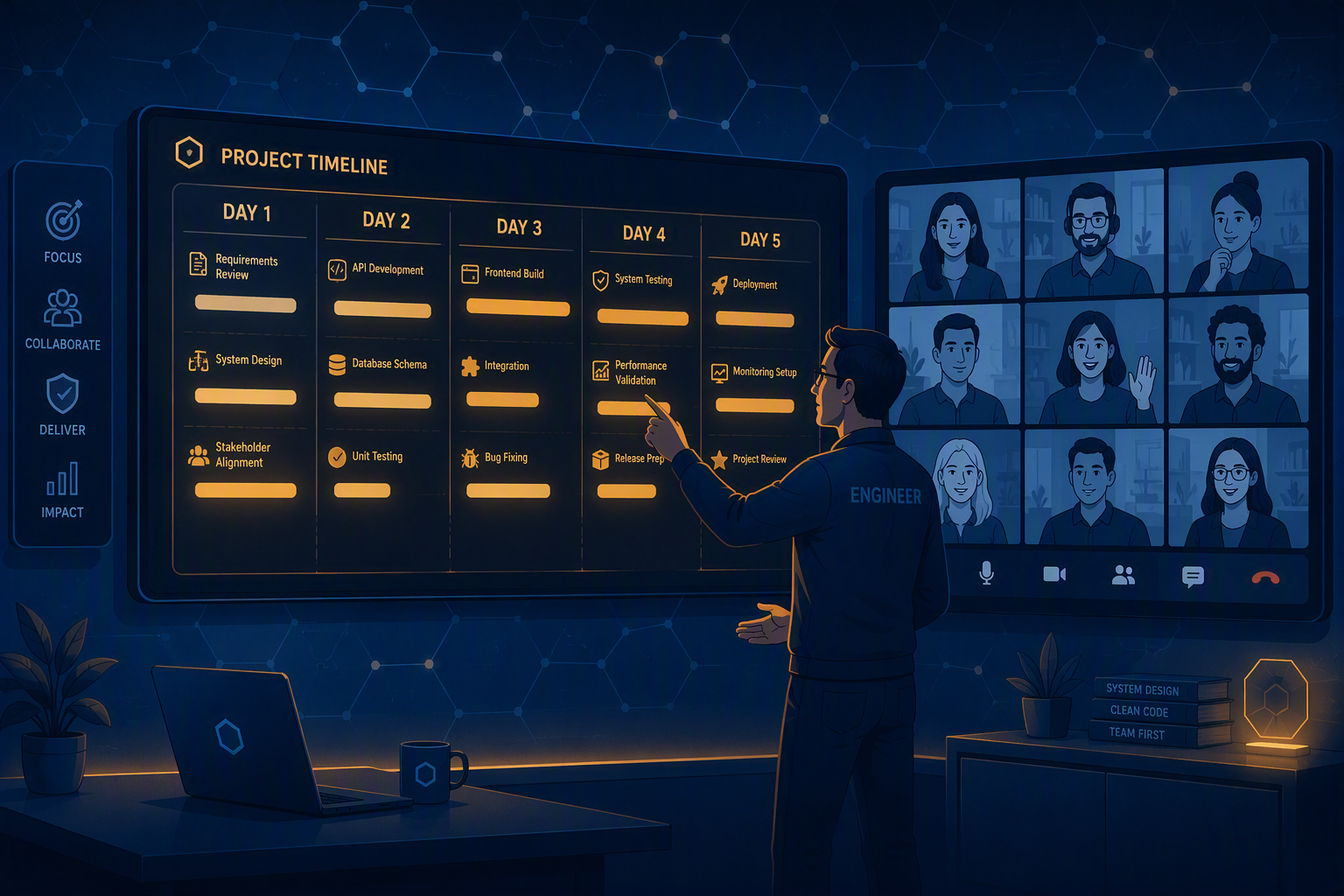
The second article in the carve-out series. I joined an eight-month project one month before go-live with no say over the tools or the timeline. Here is the day-by-day roadmap I wrote for a client who had never seen one, how I structured it, and where it still fell short.
This is the second article in a series about a Microsoft 365 carve-out I inherited midstream. The first one covered the two-week handoff from the engineer who was leaving. This one covers what I did after she was gone.
The project had been in the works for eight months by the time I arrived. I was brought in two weeks before my colleague left and one month before go-live, which meant every meaningful decision had already been made. The tools were chosen and the timeline was set, and I had no authority over either.
After years of doing these migrations, I have learned that communication is one of the most important aspects of a successful project. That is the part I could still affect, so that is where I put my effort.
If you take one practical thing from this article, take this. On a carve-out, the point of no return is an identity event. Releasing the domain from the source tenant is the step you cannot undo, and nearly everything before it is reversible. Knowing exactly where that line sits is what lets you tell a client honestly how far into the weekend they can still change their mind, and it is the first thing I would pin down on any separation I joined late.
Why the Client Was Anxious
One of the things my project manager (PM) told me was that the client was feeling anxious because they had not seen a clear roadmap of what would happen and when. This was not a knowledge gap about the tools. The client had chosen those with the project team in previous months and they understood the technology just fine. The gap was that everyone had been so heads down troubleshooting issues that nobody had taken the time to write down a plan and present it to the client's point of contact (POC) and their leadership.
What the client needed was when things would happen, in what order, and what each step would mean for their people. That is why I organized the roadmap by day rather than by workstream. The engineering breakdown is how the team thinks about the work, but it is not how a client experiences a cutover weekend, and the document has to be built for the person reading it.
What Went in the Roadmap
The document ran from the pre-cutover period through post go-live support, one section per day:
- Pre-cutover: everything that had to be true before the weekend opened. Domain controller health, the hourly user and group sync and its error queue, device migration agent coverage on the remaining workstations, file sync to the new file server, permissions data refresh, mail gateway connectors and SPF, group policy review, line-of-business application testing, source domain release readiness, and user communication.
- Friday: users log off at the end of the day and access does not resume until Monday morning. Then the domain and identity cutover, the final file sync, the mail cutover, and the networking changes at each site.
- Saturday: device migrations through Quest, and permissions applied to file shares as each one finished syncing.
- Sunday: continue any sync still running, remediate machines that did not migrate cleanly, and a readiness check across identity, devices, files, and mail.
- Monday: users sign in and resume work, the service desk takes first line with prepared runbooks, and we monitor mail flow and application access through the start of the business day.
- Post go-live: outstanding device and profile issues, finishing file sync, new user accounts for people who were not there at go-live, remaining Active Directory housekeeping, and the deferred application server.
Workstreams sat inside the days rather than the other way around, so a reader could look at Saturday and see everything that touched them that day without having to assemble it from six different sections.
Writing the Document With Gaps in It
I could not have filled that document in on my own. I had been on the project for a few weeks, I did not know who owned what, and there was no time to work it out quietly before the next meeting. So I wrote it with the gaps left in, and in the meeting I asked who would help me with the pieces I could not do myself. I did not have the ability to release the domain from the source tenant, so I had to ask who would be responsible for it. The same was true for the parts of the plan that depended on the divesting side, on the client's own IT staff, and on the software vendor. Roles got assigned verbally, in that meeting, against a document that had already named the work.
The second document was a deep dive on the domain cutover itself. It ran through the prerequisites, then the domain and identity cutover step by step, then the mail cutover, then verification and communication. Several of the prerequisites were things other people had to do or confirm before we could go. Releasing the domain from the source tenant required the source tenant IT staff, because they were the ones holding the domain and global administrator credentials to do it. The client had to confirm that all users were out of the file shares so that a clean final sync could run. Writing those out as prerequisites is how they became visible instead of assumed.
What These Documents Were Actually For
Neither document carried a rollback plan, and that was not an oversight. The client did not need a rollback plan covered in that document. They needed to know that we had one up to a certain point, and that past that point, releasing the domain, we were committed. That was explained to them during numerous meetings leading up to the cutover, which is where a conversation like that belongs. A line in a plan does not give anyone confidence in a rollback. Talking through where the point of no return sits, and being asked questions about it, does.
It also helps to be clear about what these documents were not. They were not created as artifacts we could point back to after the fact. They were created as a bit of a checklist to guide our actions over the cutover weekend, and to give the client confidence that there was a plan in place. Once you know that is the job, what goes in and what stays out gets much easier to decide. I have written before about documentation as architecture, and this is the same principle applied under time pressure on a project that was already underway.
The Town Hall, and the Compromise Inside It
One of the first things I proposed was a town hall with the client, to give them confidence and to try to reduce the workload on our service desk. My original idea was multiple sessions capped at 75 users each. In the end I got one town hall with about 50 users, consisting of managers and key stakeholders.
Many people knew about the divestiture but had no clue how it would be carried out from an IT perspective. Many did not know they could not work in IT systems over the weekend. The session covered logging off Friday evening with service resuming Monday morning, the requirement that remote VPN users have their devices on site over the weekend or be migrated afterward, what to expect from OneDrive, and how to get help.
The client was supportive of communication generally. They even encouraged us to create a day one guide, which we did. It covered signing in Monday morning, reconnecting OneDrive, rebuilding the Outlook profile, signing back into Teams, the new email security quarantine digest, the email archive, the VPN client for remote staff, network drives, the business applications, and what to have ready when calling the service desk. It also said, in plain language, what to do before leaving on Friday: log off by 5:00pm rather than locking the screen, leave the computer powered on and plugged into the office network, and, if you normally work from home, bring your laptop to one of the listed sites so it could be migrated over the weekend.
The problem was that it was shared with the users and communicated out so late. The town hall itself was only one day before the cutover. In previous migrations we started communication early in the week with reminder emails full of guides and information, and that runway is what gives users time to actually read something and act on it.
The audience was the other compromise. We tried to get more end users into the town hall meeting, and what we got was the managers and stakeholders. They are end users too, but they are not the whole company. They were given the information and they asked questions, with the expectation that they would be more knowledgeable and be able to assist their subordinates. That is a workable arrangement, but it is still a compromise, and I had no power to make any further changes because I had been brought into the project so late.
It is worth being honest about what that bought us. We wrote down that remote staff had to bring their laptops on site, and we said it out loud in the town hall, and laptops still stayed home.
What Changed
The client was receptive and relieved. This is a business context, so no one was jumping for joy, but you could feel that we had gained something by having a plan.
The clearest signal came later, and it was in the nature of the questions. Before the roadmap, the questions were about status. When will this be done. What is the holdup. After the roadmap, the questions became about soliciting advice and what we would do to move forward. That is a different relationship, and it is the lesson I wrote about in what two years of migrations taught me. This is the clearest example of it I have.
The Two Things to Look For When You Join Midstream
My real failure on this project was making assumptions that everything had been thought of and fully configured. Eight months of work had happened before I arrived, and I treated that as evidence that the groundwork was done.
If I could give one takeaway to somebody taking on a project midstream, it is to look for two things. The first is where your previous experience and expertise can add value. The second is where failure could be catastrophic. I did a good job on the first. I did not spend enough time on the second.
Part of that was time. I did not have enough of it to make sure everything went smoothly, and I did not know what I did not know. But looking back, I would have spent a meeting with the stakeholders talking specifically about what could go wrong, and then shifted my focus accordingly.
Conclusion: You Can't Win Them All
We executed well and the cutover itself was technically solid, and I still consider this migration a failure.
We had not tested from enough network locations. When we went live, many devices in locations other than the main office could not see the destination domain, meaning the devices could not migrate, causing problems that in aggregate overwhelmed the service desk. I mentioned this in the first article as one of the things I would do differently, and it belongs here too, because the pre-cutover section of that roadmap is exactly where a per-site network validation step should have been.
I learn a lot from failures, and that is why I am writing about this one, so that others can learn from it too. I am still proud of what we accomplished, because the team and I did the best we could with the resources we had.
Tags:

About the author
Sherif Alghali
Sherif Alghali is a Microsoft Certified Trainer (MCT), Azure Solutions Architect Expert, and Microsoft 365 Administrator Expert who writes about M365 tenant migrations, Azure cloud architecture, identity, and IT infrastructure. Read more on the about page or connect on LinkedIn.